> For the complete documentation index, see [llms.txt](https://sharinghub-eng.kittenbot.hk/llms.txt). Markdown versions of documentation pages are available by appending `.md` to page URLs; this page is available as [Markdown](https://sharinghub-eng.kittenbot.hk/functional_module/sugar/sugar-solar-panel-and-power-management-module.md).
# Sugar Solar Panel and Power Management Module
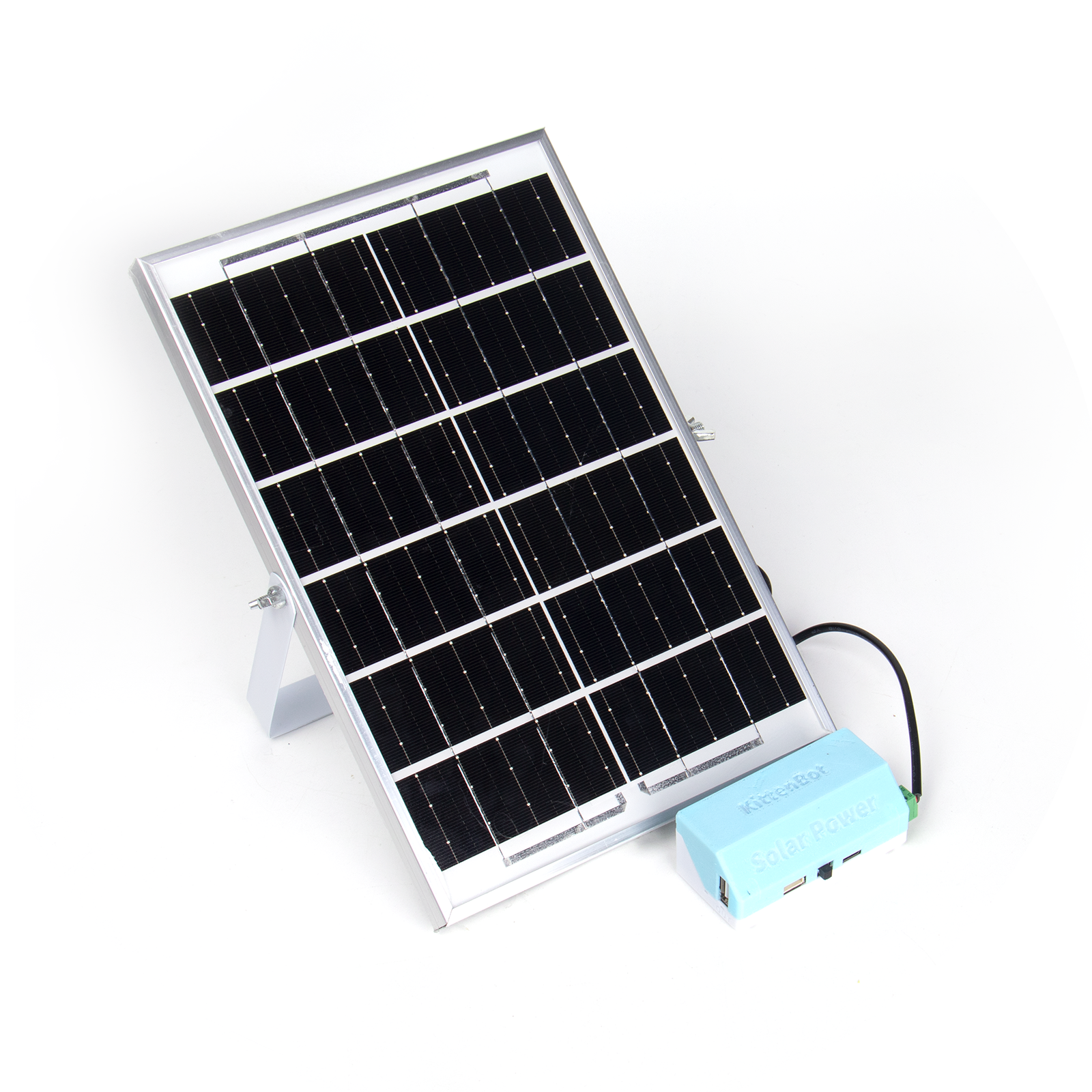
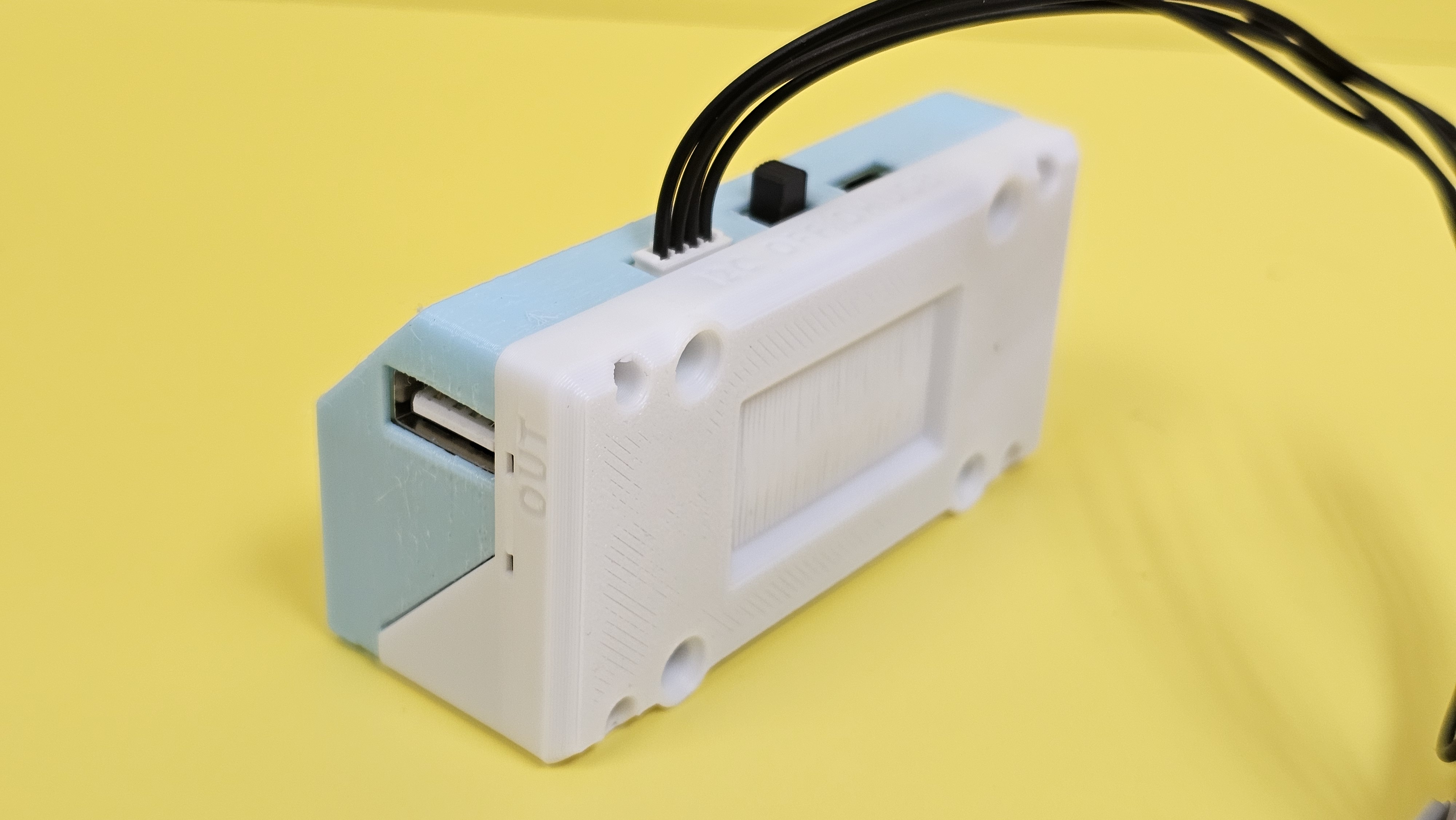
This Solar Panel can charge the Lithium Battery with sunlight. It can also be used with controller boards such as Micro:bit or Futureboard to control the power output on the Power Bank. The built-in RTC allows for time keeping.
## Product Specifications
* Solar Panel Dimensions: 80 x 40 x 32.5 mm
* Weight: 646g(Solar Panel+Power Bank)
* Type: I2C
* Solar Panel Output: 6V 6W
## Wiring
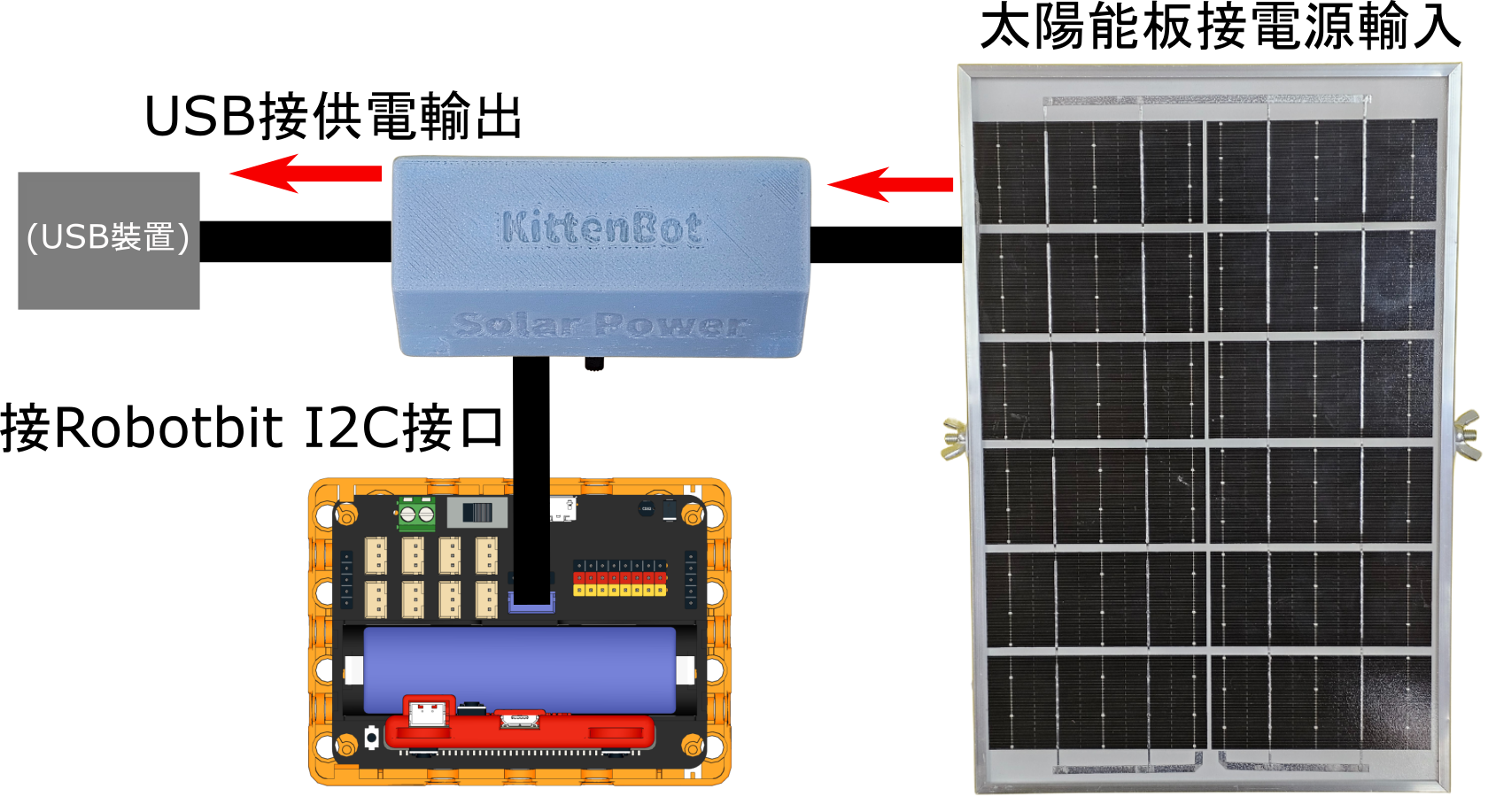
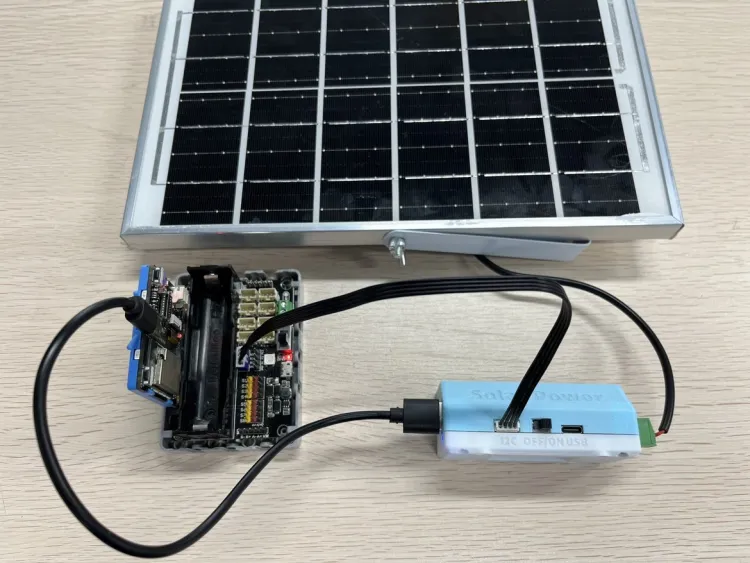
### Sample Wiring for Robotbit EDU
{% hint style="info" %}
Power the Futureboard with the Power Bank.
{% endhint %}
{% hint style="info" %}
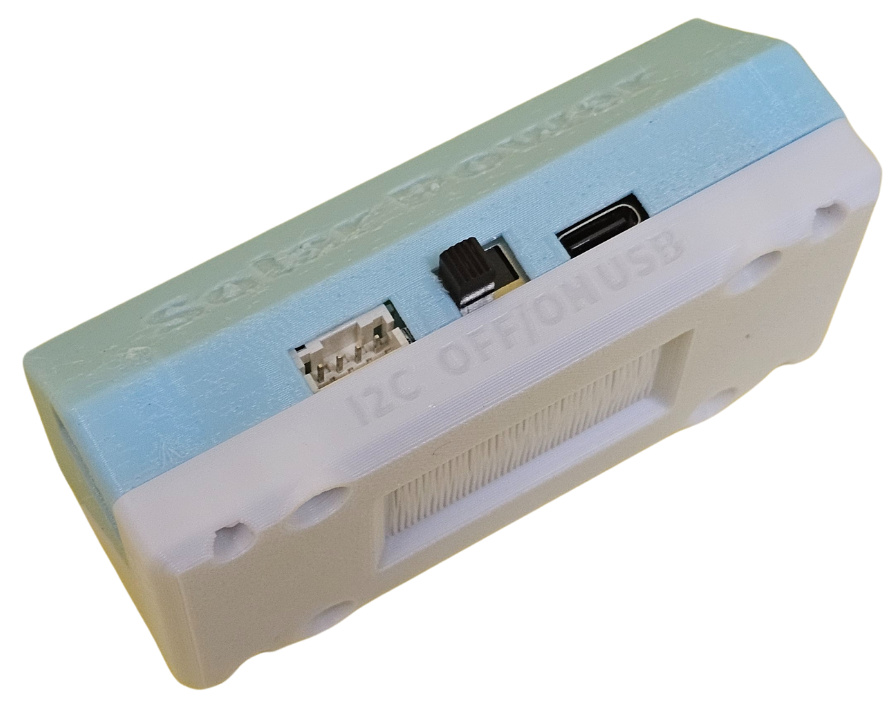
Turn the Power Bank on.
{% endhint %}
## LED Indicators
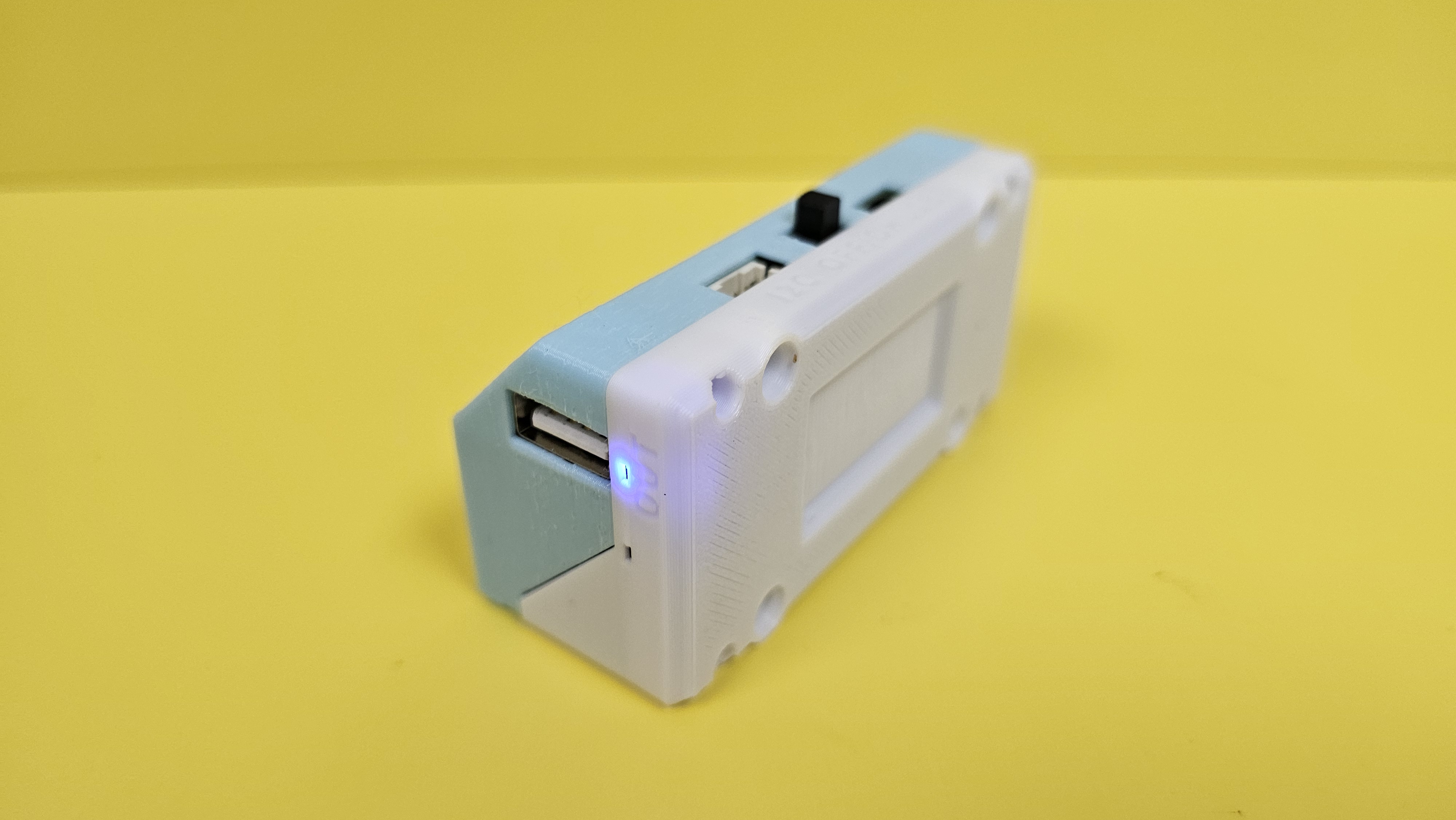
#### Power Output Indicator
The Indicator lights up blue when power outout is enabled.
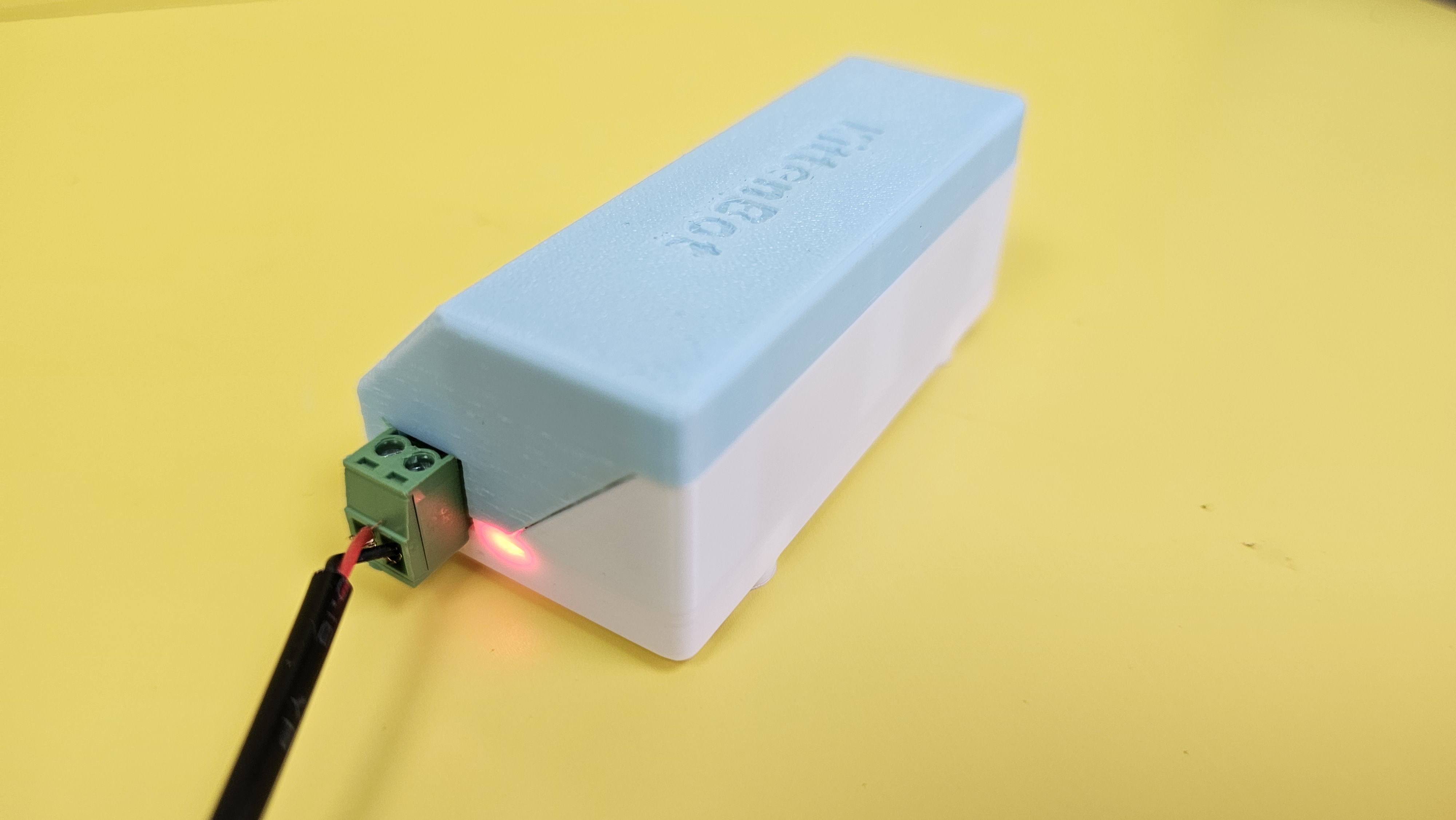
#### Power Input Indicator
When the lithium battery is being charged, the indicator lights up red.
### Programming Tutorial
#### MakeCode Programming Tutorial

#### Import Sugar Extension
#### Search for sugar in the search bar (Kittenbot products has been verified by Microsoft)
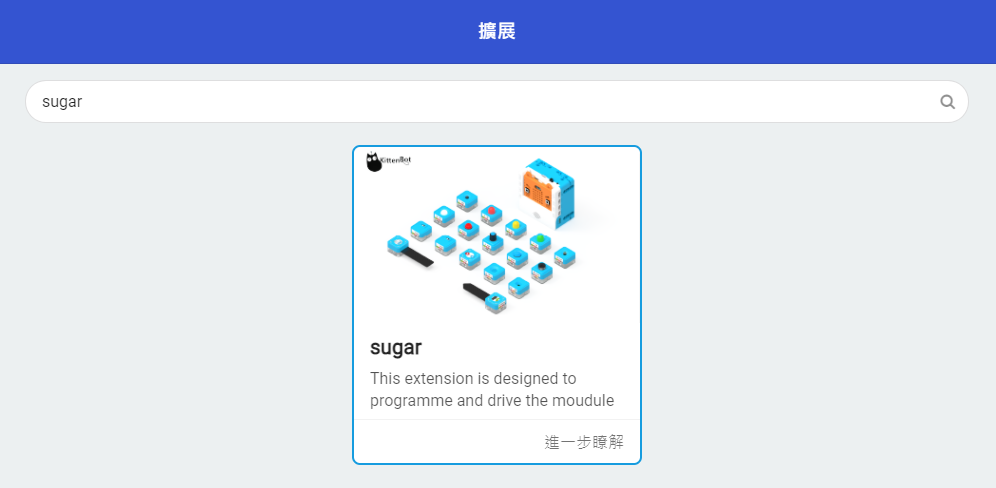
[Importing Extensions Tutorial](/programming-platforms/makecode-tutorial/kittenbot-and-makecode.md)
#### Extension URL
Sugar extension:
## Sample Program
### Power Output Control
{% embed url="" %}
[Sample Program](https://makecode.microbit.org/_Mpk3PkF1YLVu)
### Sets Sleep Timer for Power Output
{% embed url="" %}
[Sample Program](https://makecode.microbit.org/_RYM4k5L1m7k3)
### Sets Real Time Clock
{% hint style="info" %}
Warning: The Time data is cleared when the power switch is turned off or power output is disabled.
{% endhint %}
{% embed url="" %}
[Sample Program](https://makecode.microbit.org/_7i10L2HmyDzA)