> For the complete documentation index, see [llms.txt](https://sharinghub-eng.kittenbot.hk/llms.txt). Markdown versions of documentation pages are available by appending `.md` to page URLs; this page is available as [Markdown](https://sharinghub-eng.kittenbot.hk/educational-kit-sets/weather-station-educational-kit/voice-weather-station-instructions/temperature-and-humidity-barometer.md).
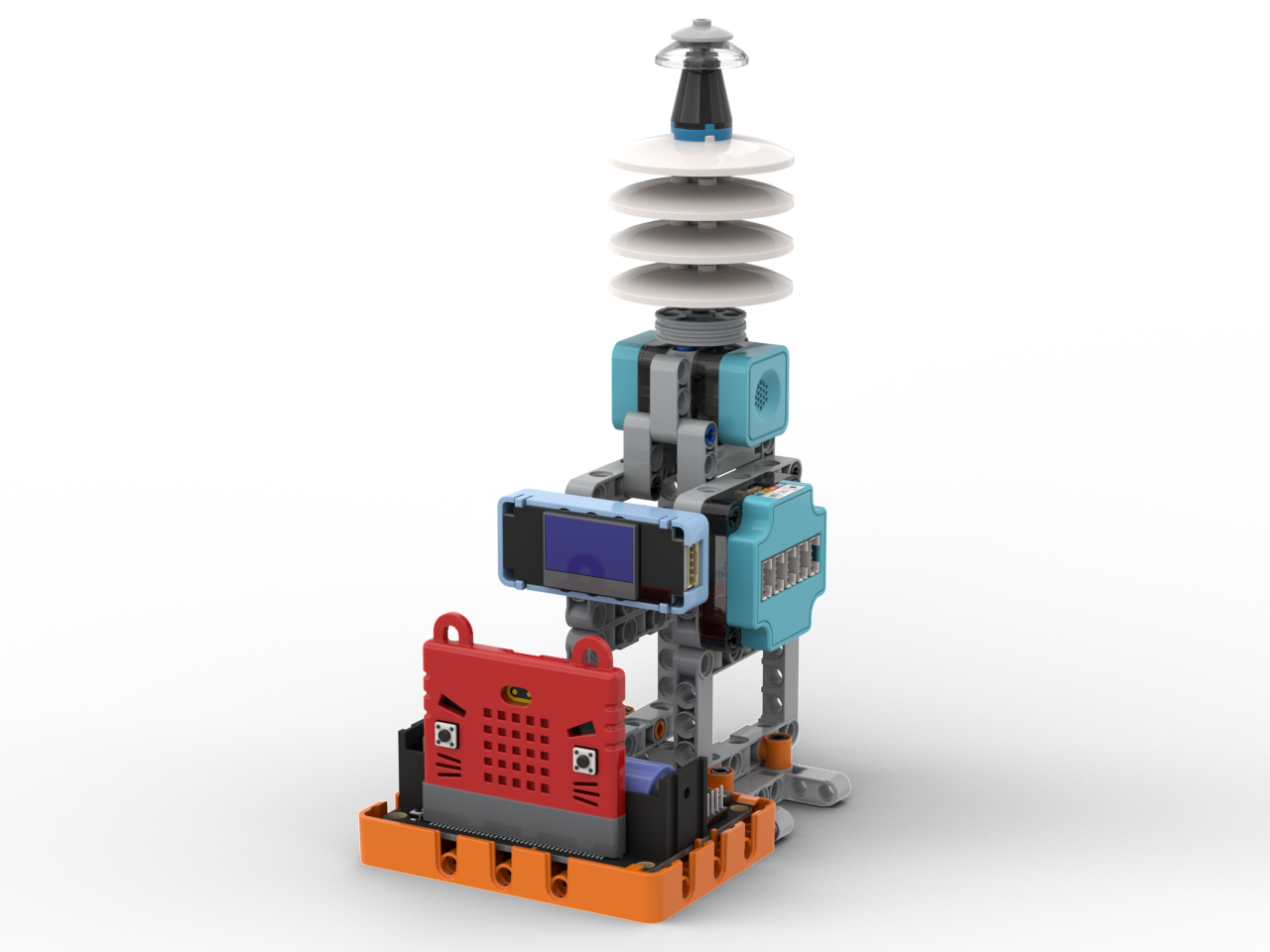
# Temperature & Humidity Barometer
### Building Instructions
{% content-ref url="/pages/FKSyDlgjzg7OTSGREGTl" %}
[Barometer Instructions](/educational-kit-sets/weather-station-educational-kit/weather-station-building-instructions/barometer-instructions.md)
{% endcontent-ref %}
### Hardware Wiring Diagram
### Sample Program
{% embed url="" %}
#### Operating Instructions
1. Press A for Temperature Mode, the temperature will be shown as a graph on the Micro:bit
2. Press B for Humidity Mode, the humidity will be shown as a graph on the Micro:bit