> For the complete documentation index, see [llms.txt](https://sharinghub-eng.kittenbot.hk/llms.txt). Markdown versions of documentation pages are available by appending `.md` to page URLs; this page is available as [Markdown](https://sharinghub-eng.kittenbot.hk/functional_module/infratemp.md).
# Contactless Infra Red Temperature Sensor
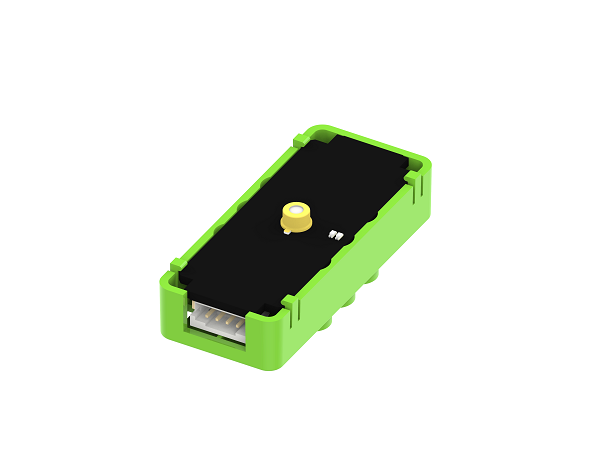
This is a contactless infra red temperature sensor, it can detect temperature.
### Specification
* Voltage: 3.3V\~5V
* Sensor: MRT-311
* Working Temperature: -30°C\~100°C
* Sensitive Area: 0.35x0.35mm
### Wiring Diagram
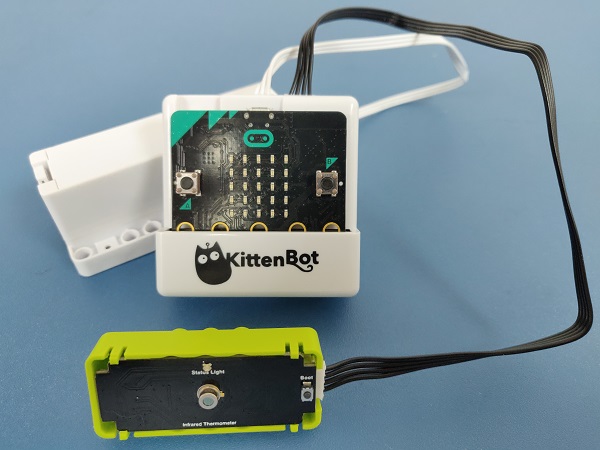
Connect the temperature sensor to the i2c port.
### MakeCode Coding Tutorial

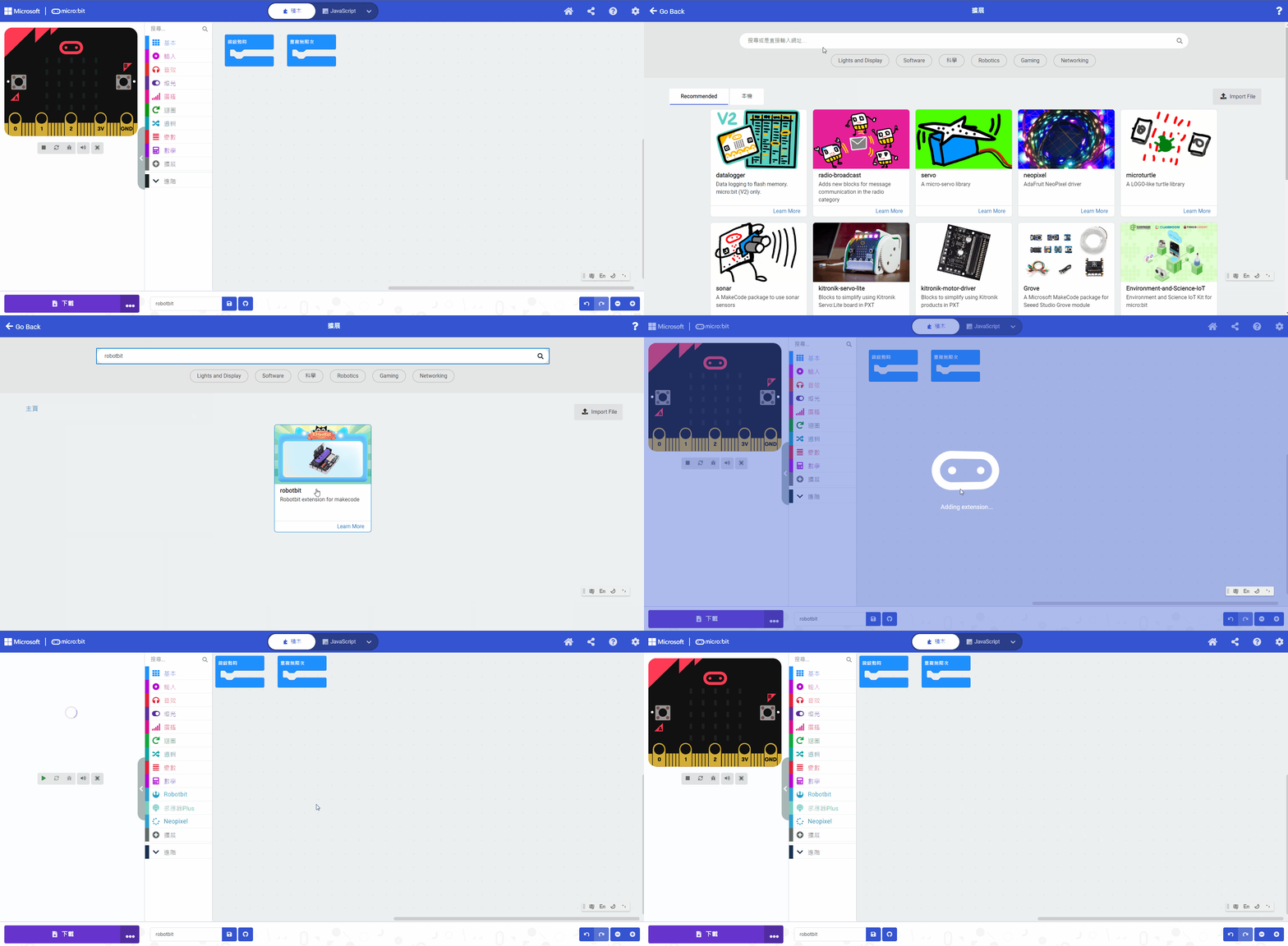
#### Search Powerbrick in extensions. (Powerbrick is verified by Microsoft)
[Importing Extensions Tutorial](/programming-platforms/makecode-tutorial/kittenbot-and-makecode.md)
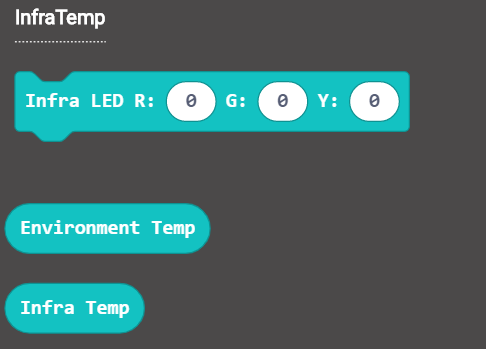
#### Temperature sensor blocks:
#### Temperature sensor coding
**Detecting the temperature.**
{% embed url="" %}
[Sample Program](https://makecode.microbit.org/_1EDarvXwJ3bA)
**Controlling the LED.**
{% embed url="" %}
[Sample Program](https://makecode.microbit.org/_2F4YLsCpF9fd)
### Extension Version and Updates
There may be updates to extensions periodically, please refer to the following link to update/downgrade your extension.
[Makecode Extension Update](https://kittenbothk-eng.readthedocs.io/en/latest/Makecode/makecode_extensionUpdate.html)