> For the complete documentation index, see [llms.txt](https://sharinghub-eng.kittenbot.hk/llms.txt). Markdown versions of documentation pages are available by appending `.md` to page URLs; this page is available as [Markdown](https://sharinghub-eng.kittenbot.hk/extension-boards/newbit/newbitmicrocode.md).
# MicroCode Programming Tutorial
#### Using MicroCode
MicroCode is supported by Newbit, it can run on Micro:bit V2.
[MicroCode](https://microsoft.github.io/microcode/#H4sIAMDPv2MAA32OWwuCMBiG/1JmB3aZIrXhFJmH5V1lwre0AhWdv75PZ9BVVy8PvKe7Zv2tJs/8mNZUvfe0OkBYtah0UY7aQDJ6IEUPkaC7TDMnTAzHhoMAWFGK4cdP//q5chwKyPEZpFw1+CPG/Svmt5Fghe8yZ+aHN3B35sDwSnMPu6aMbS2b5muZWsQ/4Tbght2SpVdMua939rhsnUs2XjLSUfWCQtEucDeaAyMf85b1ohABAAA=)
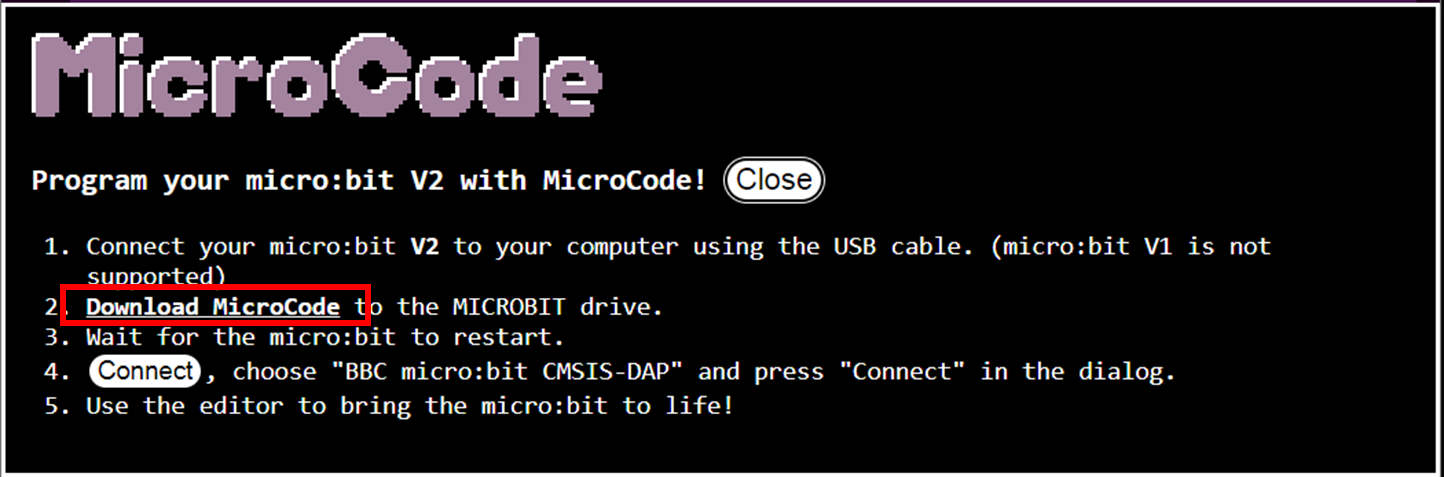
Download the hex file for Micro:bit V2.
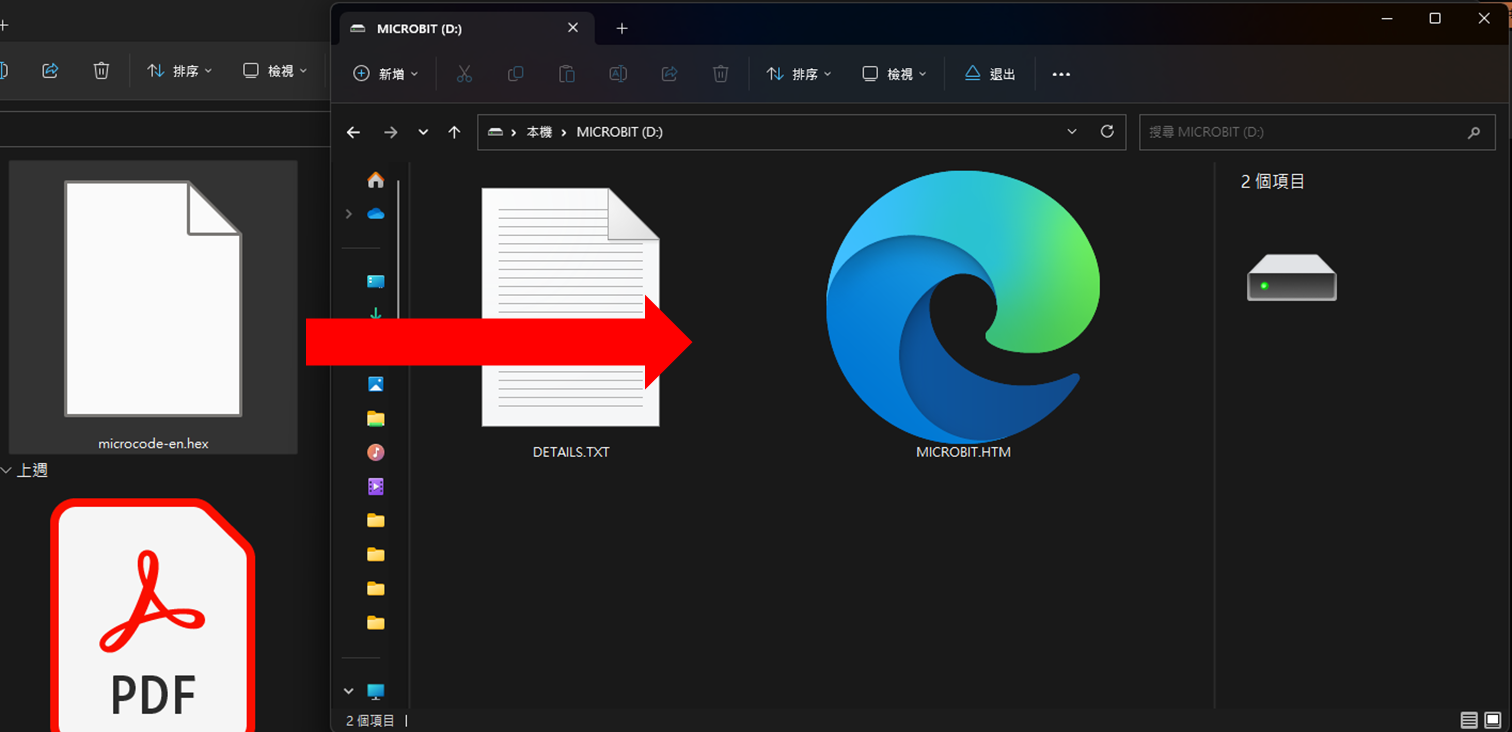
Upload the hex file to Micro:bit V2.
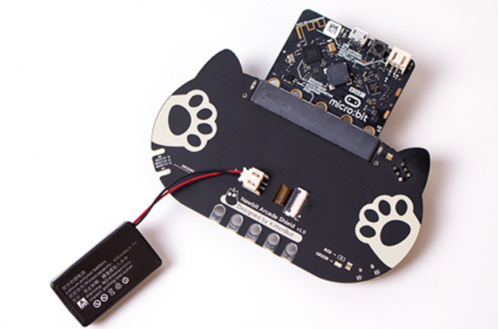
Connect a battery to Newbit.
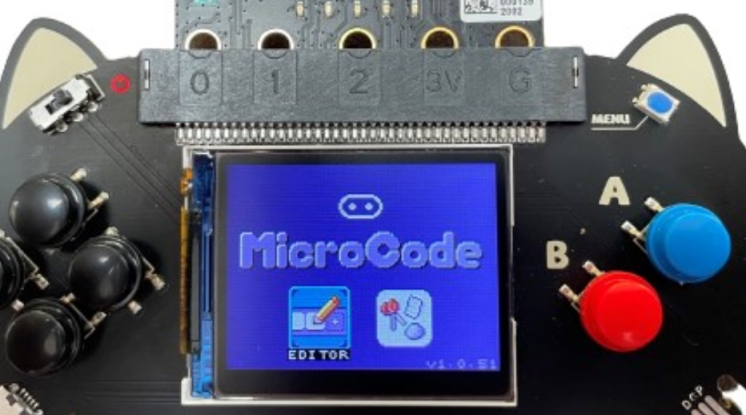
The screen will show the MicroCode interface.