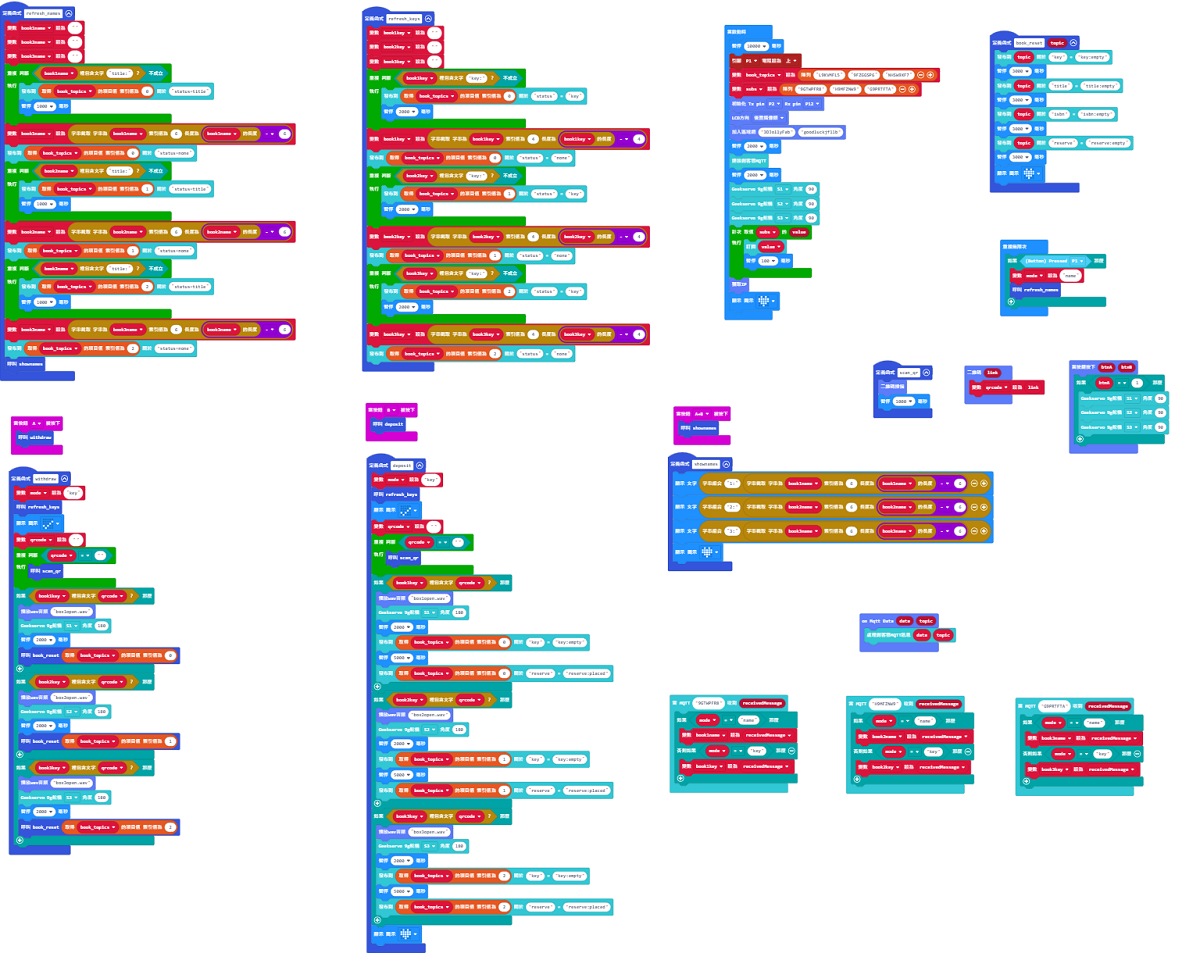
> For the complete documentation index, see [llms.txt](https://sharinghub-eng.kittenbot.hk/llms.txt). Markdown versions of documentation pages are available by appending `.md` to page URLs; this page is available as [Markdown](https://sharinghub-eng.kittenbot.hk/educational-kit-sets/smart-book-crossing-cabinet-education-kit/smart-book-crossing-cabinet-instructions/micro-bit-sample-program.md).
# Micro:bit Sample Program
#### Download Sample Program
[Download Sample Program](https://makecode.microbit.org/_3Hpip4ibfThu)
[KOI Voice Clips Download](https://github.com/kittenbothk/kittenbothk/raw/master/Kits/booksharing/sounds.zip)
#### Modify the Sample Program
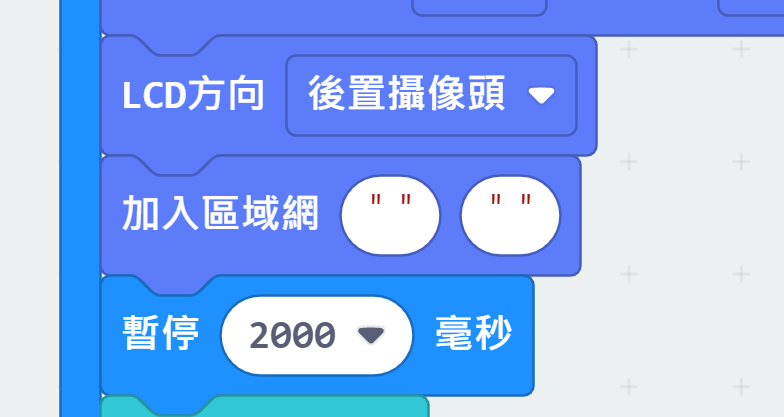
Enter Wifi credentials.
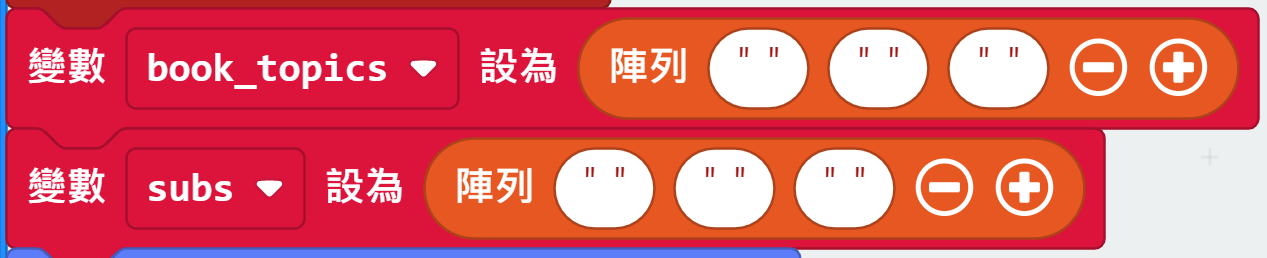
Enter the topic names of Book 1\~3 into book\_topics.
Enter the topic names of Reply 1\~3 into subs.
#### Using the Sample Program
Refer to this video: [Smart Book Crossing Cabinet Educational Kit Demonstration](https://bit.ly/OnePileEduDemo)